

Build on the orbital compute layer
Integrate with
Satlyt.
Whether you operate spacecraft or build software, Satlyt helps you deploy, run and manage applications in orbit.
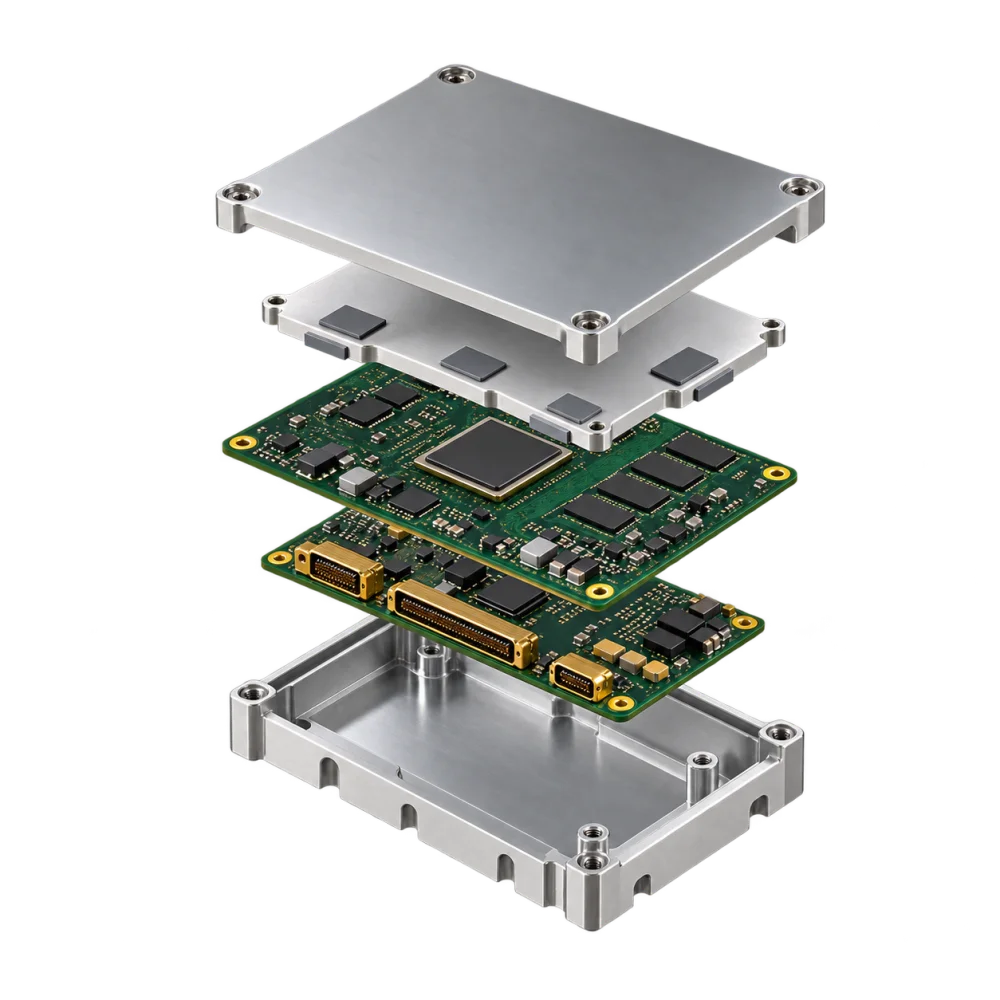
Satlyt makes satellites programmable.
Whether you operate spacecraft or build software, AI models, or analytics applications, Satlyt provides the runtime and orchestration layer needed to deploy, operate, and manage applications in orbit.
For satellite operators
Run Satlyt on your existing onboard compute and mission network.
For software partners
Package your application once, define what it needs, and prepare it for deployment across Satlyt-enabled spacecraft.
For Satellite Operators & Hardware Partners
Turn onboard compute into usable application infrastructure.
Satlyt deploys on existing spacecraft buses and payload computers, giving operators a software layer for running approved applications, AI workloads, and data-processing services in orbit.
Satlyt is designed to work with the mission architecture you already have.
What Satlyt integrates with
Onboard Compute
- 64-bit Linux environments on ARM64 or x86_64
- Other architectures evaluated on a mission-specific basis
Application Packaging
- OCI/Docker-compatible workloads preferred
- Native or static packages supported for approved constrained systems
Mission Networking
- Operates over local IPC, TCP/IP, and existing mission network interfaces
- No Satlyt-specific RF band or dedicated radio required
Delay-Tolerant Networking
- Where mission uses DTN, Satlyt can operate with BPv7 environments
- Compatible with ION, HDTN, or other mission-approved BPA
Mission Data Interfaces
- Applications receive approved data through files, volumes, local APIs, sockets, or queues
- Mission-specific adapters supported
Security & Operations
- Deployment, activation, credentials, and permissions align with existing operator processes
- Rollback and acceptance remain under operator control
Typical host profile
Satlyt does not require a purpose-built spacecraft computer. Final requirements depend on workload, host, mission architecture, and available resource budget.
Processor
ARM64 or x86_64
Operating system
64-bit Linux
Memory
~2 GB standard; more recommended for multi-service or AI workloads
Storage
~2 GB for runtime + basic workload; additional capacity per application
Accelerators
Not required. GPU, NPU, or CPU acceleration used where available.
Networking
Local IPC, TCP/IP, and/or existing DTN services
From technical discovery to mission deployment
Discover
We review your spacecraft architecture, compute resources, operating environment, mission interfaces, networking, security boundaries, and target use case.
Validate
Satlyt is installed in a representative bench, flat-sat, hardware-in-the-loop, or simulator environment. We validate startup, shutdown, data paths, resource usage, and recovery behavior.
Package
The runtime, applications, configuration, health checks, permissions, and rollback settings are prepared for the target mission.
Deploy
Satlyt is preloaded or uplinked using the operator's approved mission process.
Operate
Workloads execute within agreed resource and security boundaries. Health, logs, status, and outputs remain observable through approved mission interfaces.
What we need from a satellite partner
- CPU architecture, OS, and kernel version
- Available CPU, RAM, and storage
- Container-engine availability or native packaging constraints
- Network interfaces and IPC model
- DTN environment, if applicable
- Mission data interfaces and expected data rates
- Uplink and downlink constraints
- Security boundaries and permitted privileges
- Available flat-sat, HIL, or simulator access
- Flight software testing and change-control requirements
What Satlyt returns
- Target-specific deployment profile
- Runtime configuration
- Integration interface definition
- Resource envelope
- Bench validation plan
- Acceptance checklist
Ready to start a spacecraft integration?
Send us your spacecraft architecture and we'll get back to you with a target-specific integration plan.
Start a spacecraft integrationFor Software, AI & Application Partners
Bring your software above the cloud.
Satlyt provides the runtime and mission integration layer between your application and the spacecraft environment. Build your workload for a supported Linux environment, package it with its dependencies, define its resource and data requirements, and Satlyt helps prepare it for deployment on approved missions.
You should not need to become a spacecraft engineer to deploy useful software in orbit.
Who provides what
You provide
- Software and AI models
- Dependencies
- Configuration
- Input requirements
- Output definitions
- Resource requirements
- Health and failure behavior
Satlyt provides
- Approved onboard compute
- Mission data
- Local storage
- Networking and DTN services
- Operator controls
- Health and observability
- Ground and peer-node interfaces
The spacecraft operator controls
- Available compute
- Data permissions
- Network access
- Deployment approval
- Mission operations
- Security boundaries
- Activation and rollback
Build once. Prepare for multiple mission environments.
The underlying spacecraft architecture may vary. Your application contract stays as consistent as practical.
Package
Deliver your software as an OCI/Docker image, or as an approved native executable for constrained environments.
Declare
Tell Satlyt what the workload needs: CPU, RAM, storage, accelerator, input data, output data, network access, runtime duration, permissions, and dependencies.
Validate
We test the workload against representative mission constraints and verify it stays within the agreed operating envelope.
Deploy
Satlyt maps the application to an approved spacecraft environment and mission interface.
Application workload profile
A Satlyt-ready workload should be designed for an intermittent, resource-constrained edge environment.
Target OS
64-bit Linux
Architecture
ARM64 and/or x86_64, depending on the target mission
Packaging
OCI/Docker preferred; dependencies self-contained and version-pinned
Connectivity
Continuous public internet access should not be assumed
What to declare in your workload spec
Resource Declaration
- Expected and peak CPU usage
- Working memory requirement
- Application image size and storage needs
- GPU, NPU, or accelerator requirements
- Expected execution duration
Data Definition
- Inputs: required data sources, schemas, rates, formats, and cadence
- Outputs: produced data, schema, volume, and delivery behavior
- Only mission-approved data is exposed to your workload
Networking
- Declare required ports, protocols, and local services
- Declare remote endpoints and peer dependencies
- Design for intermittent connectivity — not always-on
Observability
- Expose health state and exit status
- Structured logs to stdout/stderr
- Resource usage and application-specific events
Security
- Operate using least-privilege principles
- Avoid embedded credentials or unmanaged secrets
- Access to data, storage, and credentials only through approved interfaces
Flight Readiness
- Starts and stops deterministically
- Runs without undeclared dependencies
- CPU, RAM, and storage stay within agreed limits
- Restart and recovery behavior validated
From application to orbit
Profile
Define the use case, target mission class, resource envelope, input data, output data, and execution model.
Package
Deliver the versioned application image or executable, configuration, models, and dependencies.
Validate
Satlyt performs functional, interface, resource, security, and failure-recovery testing in a representative environment.
Mission qualify
We map workload requirements to an available spacecraft, operator-approved interface, and mission resource budget.
Deploy
The application is released through Satlyt under the target mission's approved deployment and operations process.
What we need from an application partner
- Container image or executable, and supported CPU architecture
- Required libraries and dependencies
- CPU, memory, and storage profile
- Accelerator requirements
- Input-data and output-data definition
- Expected processing cadence
- Network requirements and permissions required
- Health, observability, restart, and failure behavior
- Sample input data and expected test output
What Satlyt returns
- Target workload profile
- Application interface definition
- Resource envelope
- Mission compatibility assessment
- Validation plan
- Deployment requirements and acceptance checklist
Ready to deploy on orbit?
Submit your application and we'll review your workload spec within 3–5 business days.
Submit an applicationOne software layer. Different spacecraft. Different applications.
Satlyt sits between mission infrastructure and the applications that use it — making satellite architecture more programmable without rebuilding the spacecraft software stack around every application.
Spacecraft & payload partners provide
- Compute
- Storage
- Sensors
- Network
- Mission data
- Communications
Satlyt provides the software layer
- Runtime
- Workload management
- Mission interfaces
- Resource controls
- Data access
- Networking integration
- Observability
- Orchestration
Application partners provide the workloads
- AI inference
- Computer vision
- Data reduction
- Analytics
- Autonomy
- Cybersecurity
- Mission applications
Start your integration
Whether you're integrating spacecraft hardware or submitting a software application, fill out the form and our team will follow up within 3–5 business days.
For spacecraft integration inquiries, include your OBC specs and orbit in the message field or attach an ICD document.
Frequently asked questions
No. Satlyt is designed to integrate with existing onboard compute environments. Compatibility depends on the available processor architecture, operating system, resources, interfaces, and mission requirements.
No. A GPU is not a base Satlyt requirement. Some AI workloads may benefit from GPU, NPU, or other acceleration where available.
No. Satlyt uses the spacecraft's existing mission communications and transport services.
No. Where DTN is used, Satlyt operates above the mission transport layer and can integrate with the existing BPv7 environment.
No. Satlyt and supported workloads should be designed around the connectivity model of the mission, including intermittent links and scheduled contact windows.
Yes, on approved targets. OCI/Docker packaging is preferred where supported, but native or static packages can be evaluated for constrained systems.
Yes, subject to target hardware, software dependencies, resource availability, mission approval, and validation.
No. Applications receive only the datasets, interfaces, credentials, and permissions approved for that workload.
The spacecraft operator retains mission authority. Deployment, activation, rollback, and acceptance follow the operator's approved processes.
As early as possible. For satellite partners, early access to the compute and mission architecture allows us to identify integration constraints before flight-software freeze. For application partners, early workload profiling makes it easier to identify compatible mission environments and optimize software before qualification.
Ready to integrate with Satlyt?
Ready to fly Satlyt, or deploy your application on orbit? Tell us what you're building and we'll take it from there.